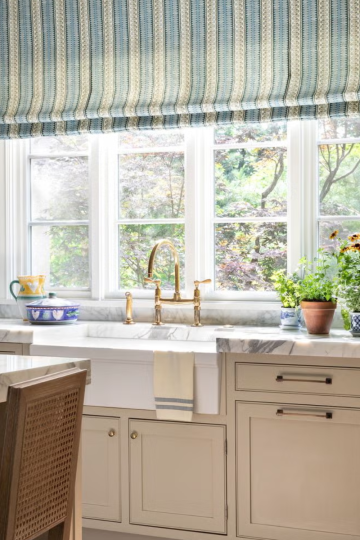
The way we work has changed dramatically over the past few years. For millions of people, the daily commute has been replaced by a short walk to a home office or kitchen table. While working from home offers incredible flexibility and comfort, it also presents unique challenges. Without the structure of a traditional office, it is easy to become distracted, uncomfortable, or unproductive. The key to thriving in this environment lies in your work from home set up.
A well-designed workspace does more than just look good; it directly impacts your focus, energy levels, and physical health. From choosing the right chair to optimizing your lighting and managing cable clutter, every detail matters. A thoughtful work from home set up can reduce back pain, minimize eye strain, and create a clear boundary between your professional and personal life. It is an investment in your well-being and your career.
In this comprehensive guide, we will share fourteen work from home set up ideas that cater to every need and budget. Whether you have a dedicated room or a small corner of your living space, these tips will help you create an environment where you can do your best work.
1. Invest in an Ergonomic Chair
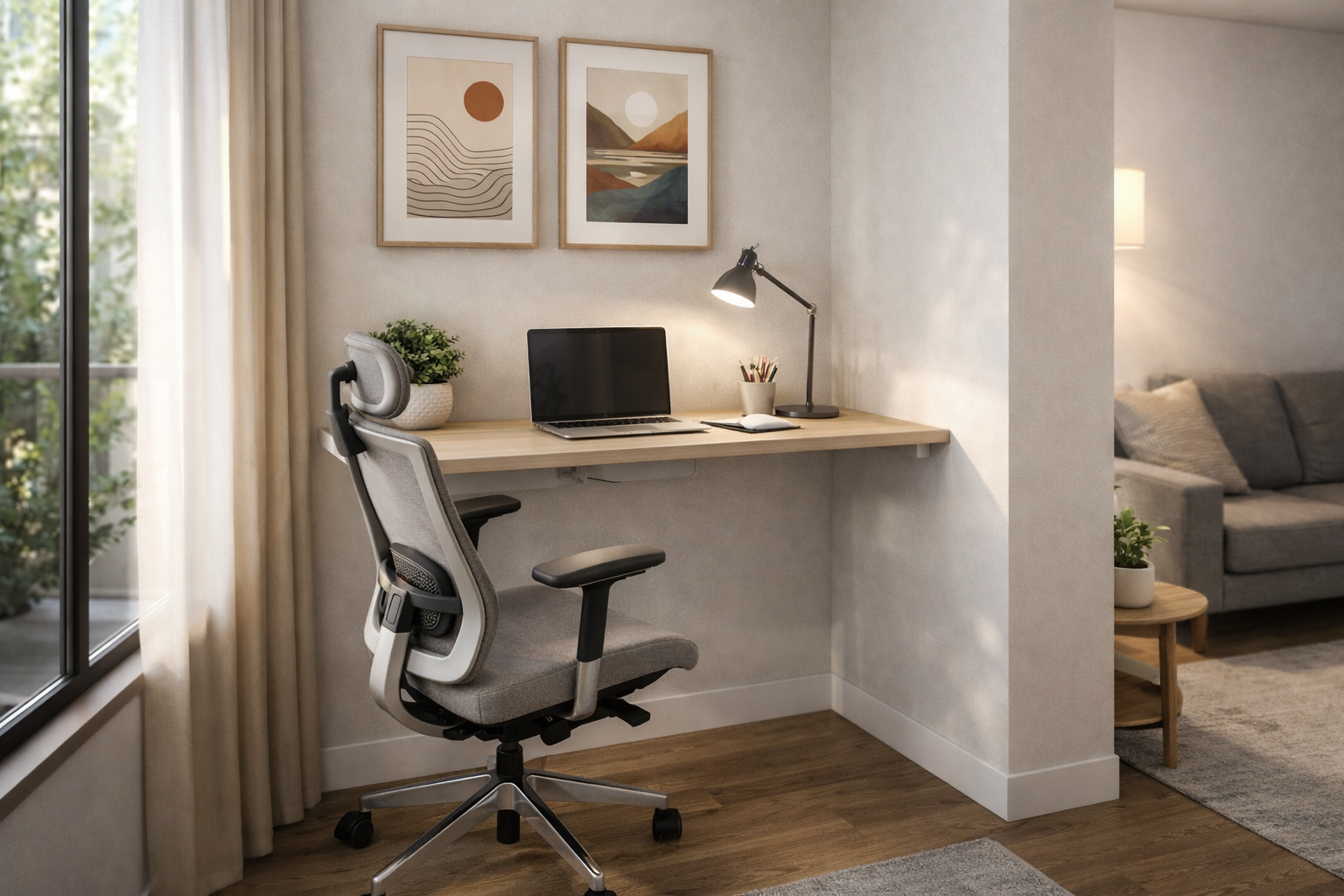
Your chair is the most important piece of furniture in your work from home set up. Sitting for hours on end in a poor chair can lead to chronic back pain, neck stiffness, and reduced circulation. An ergonomic chair supports your spine's natural curve and encourages good posture. Look for features like adjustable seat height, lumbar support, armrests, and tilt tension control. While these chairs can be a significant investment, they are essential for your long-term health. If a new chair is out of budget, consider a seat cushion or a back support accessory to improve your existing chair.
2. Position Your Monitor at Eye Level
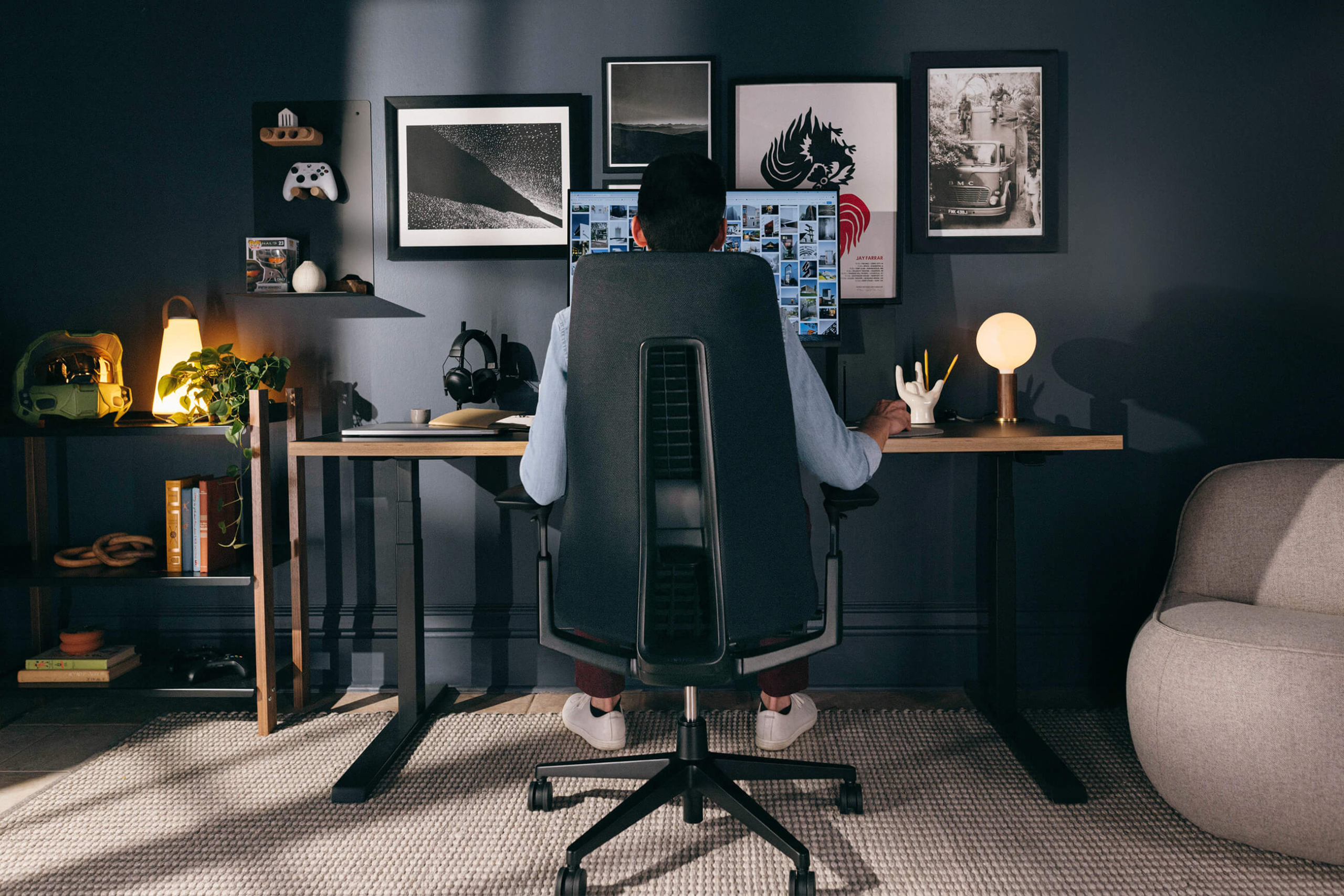
Monitor placement is crucial for preventing neck and eye strain. The top of your screen should be at or slightly below eye level, allowing you to look forward with a neutral neck position. If you are using a laptop, you will likely need a separate monitor or a laptop stand to achieve this height. Combine this with an external keyboard and mouse so your arms can rest comfortably at a 90-degree angle. Proper monitor positioning is one of the most impactful and affordable work from home set up improvements you can make.
3. Prioritize Natural Lighting
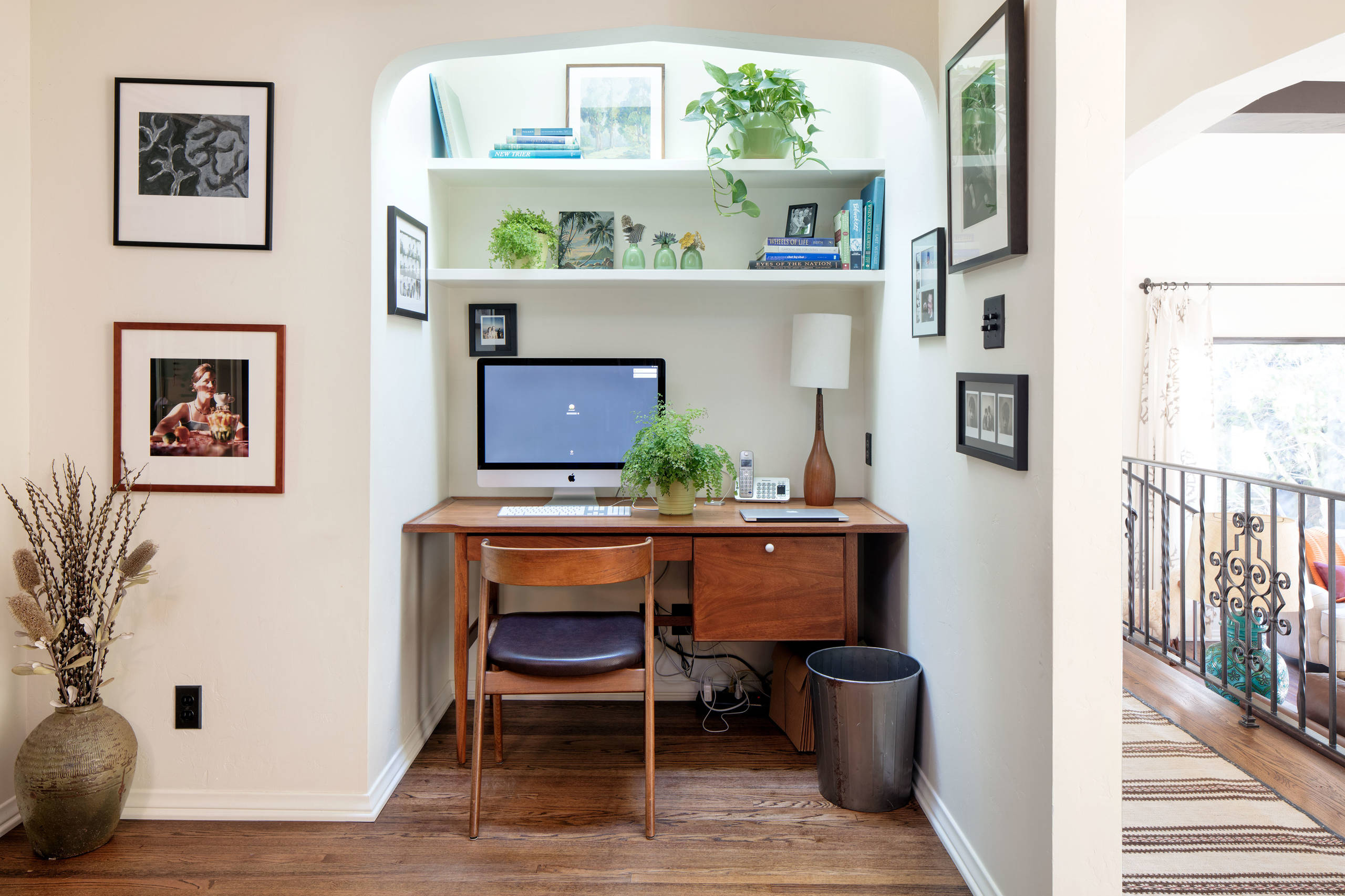
Natural light is a powerful mood booster and productivity enhancer. Position your desk near a window to take advantage of daylight, which helps regulate your circadian rhythm and reduces eye strain. However, be mindful of glare on your screen; place your monitor perpendicular to the window rather than directly in front of or behind it. If natural light is limited, invest in a good quality desk lamp with adjustable brightness and color temperature. Warm lighting in the morning and cooler lighting in the afternoon can help you stay alert and focused throughout the day.
4. Use a Standing Desk or Converter
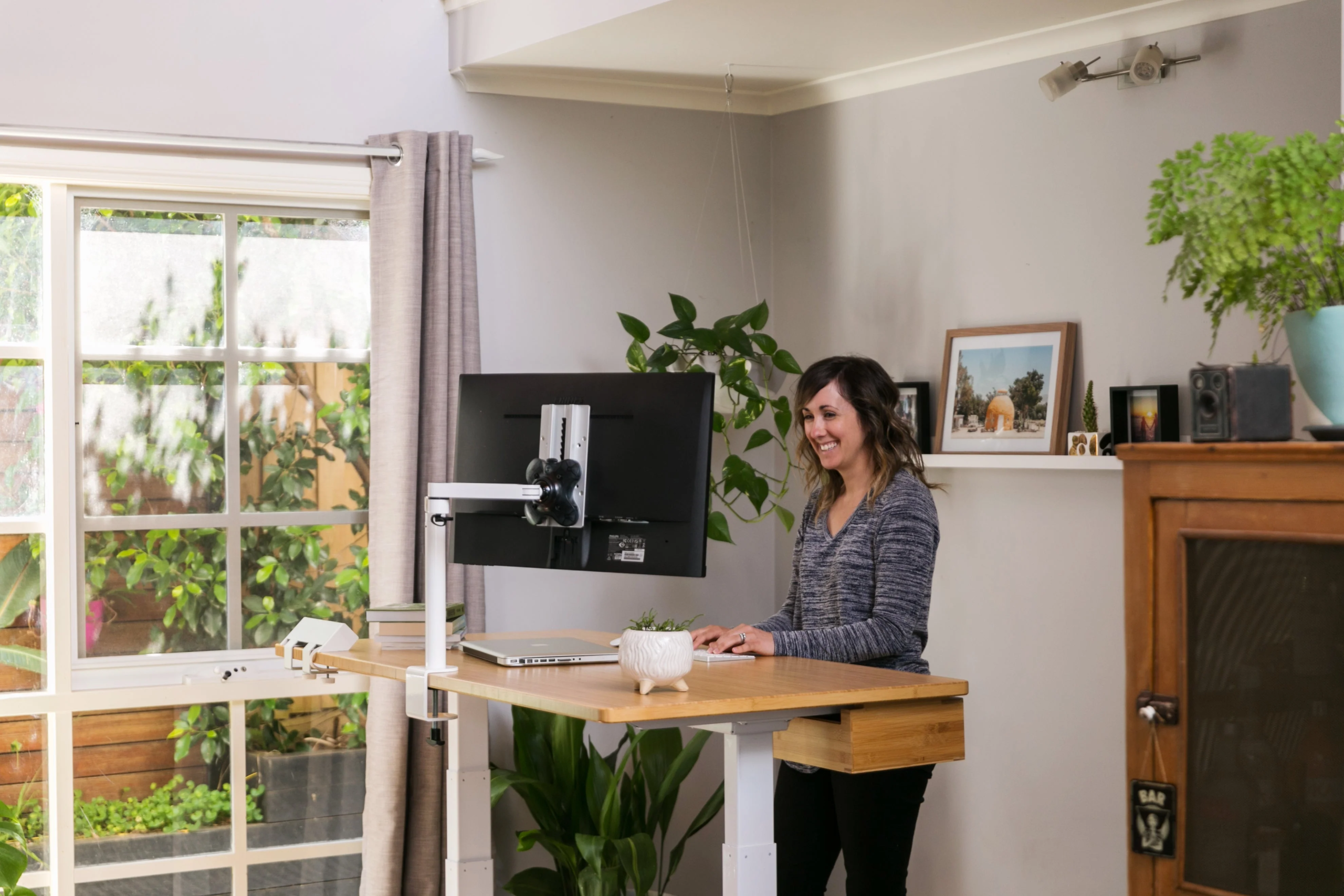
Sitting for prolonged periods is detrimental to your health, even with a good chair. A standing desk or a desk converter allows you to alternate between sitting and standing throughout the day. This simple change can improve your circulation, boost your energy, and reduce back pain. Start by standing for 15 to 30 minutes at a time and gradually increase the duration. The best work from home set up includes movement, and a standing desk is a fantastic tool to facilitate that.
5. Keep Cables Organized
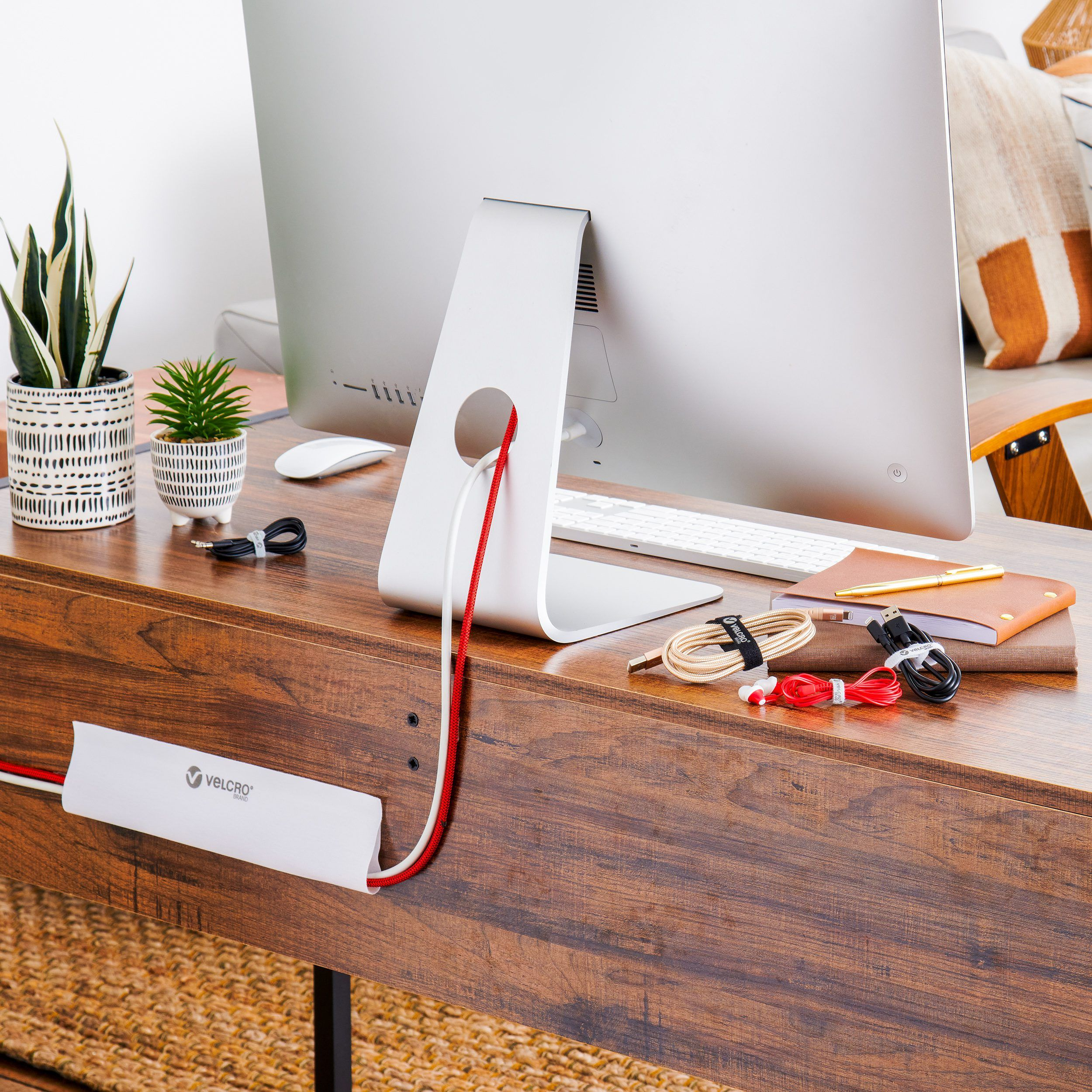
Cable clutter is not just unsightly; it can also be a safety hazard and a source of frustration. A messy tangle of wires makes your workspace feel chaotic and unprofessional. Use cable management solutions like cable sleeves, zip ties, or under-desk trays to keep cords neatly contained. Label your cables so you can easily identify which one belongs to which device. This small effort creates a cleaner, more serene environment and makes it easier to clean your desk. An organized cable system is a hallmark of a truly professional work from home set up.
6. Add a Second Monitor
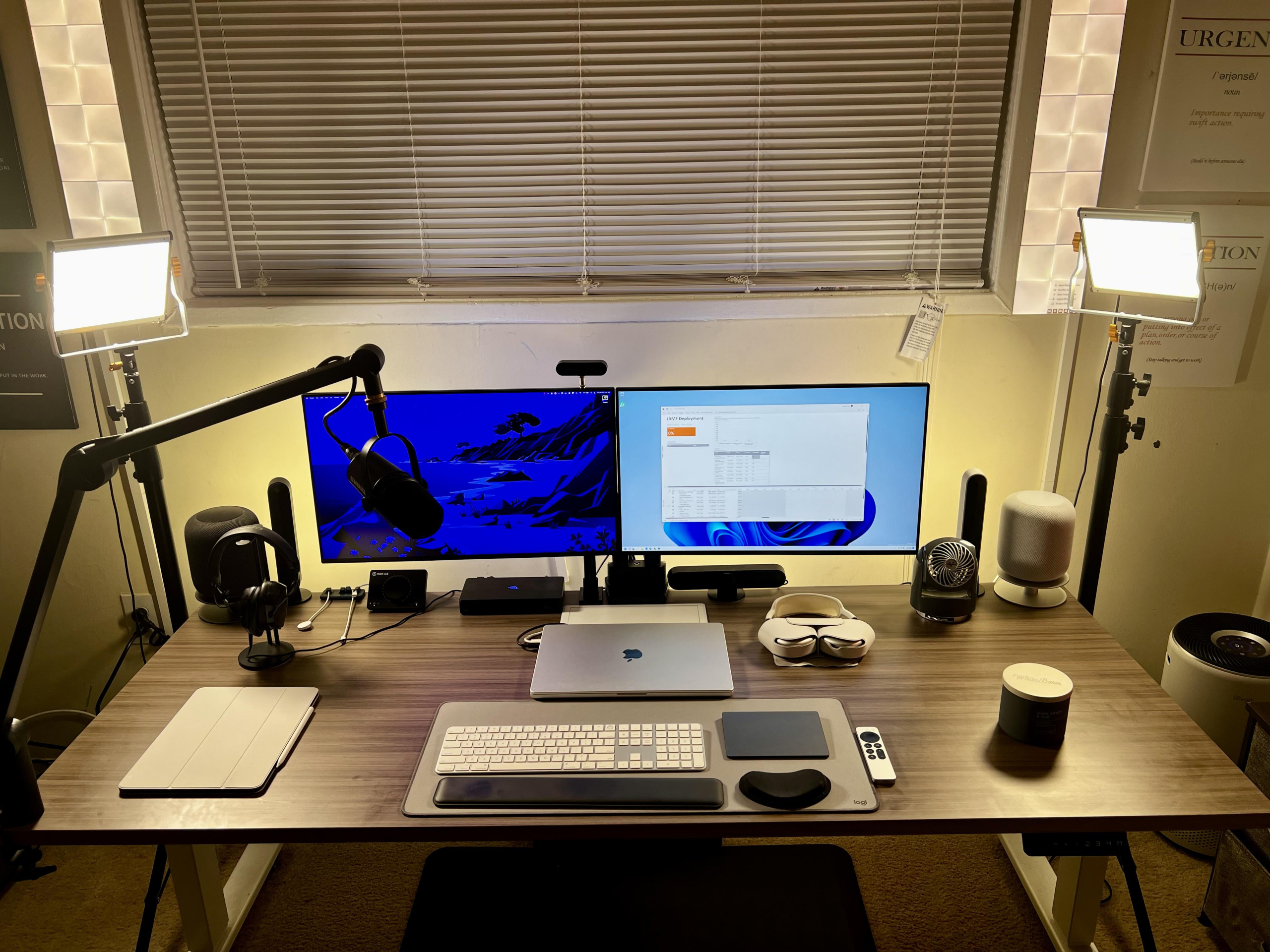
For many professionals, a second monitor is a game-changer. It allows you to keep multiple applications open simultaneously, reducing the need to constantly switch between tabs. This is especially useful for research, data analysis, graphic design, and coding. Even for general tasks, having your email and calendar visible on one screen while you work on the other can significantly boost your efficiency. A dual-monitor work from home set up may seem like a luxury, but it quickly becomes an indispensable tool for productivity.
7. Choose a Dedicated Workspace
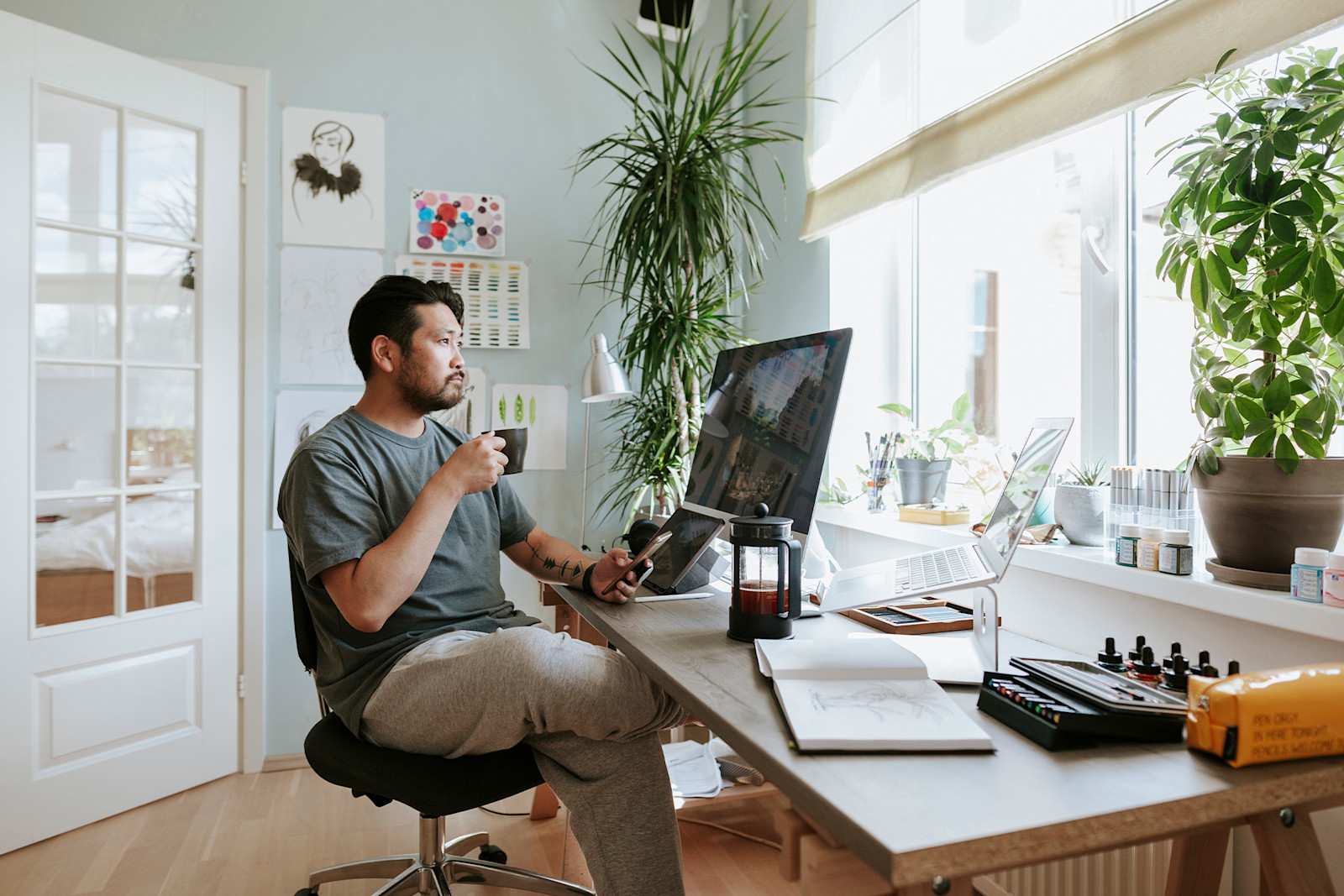
One of the biggest challenges of working from home is maintaining a work-life balance. Working from your bed or couch blurs the lines between your professional and personal life. Whenever possible, designate a specific area of your home exclusively for work. This could be a spare bedroom, a corner of your living room, or even a converted closet. Having a dedicated space helps you mentally transition into work mode and allows you to physically leave your work behind at the end of the day. This separation is vital for your mental health.
8. Incorporate Plants for Well-Being
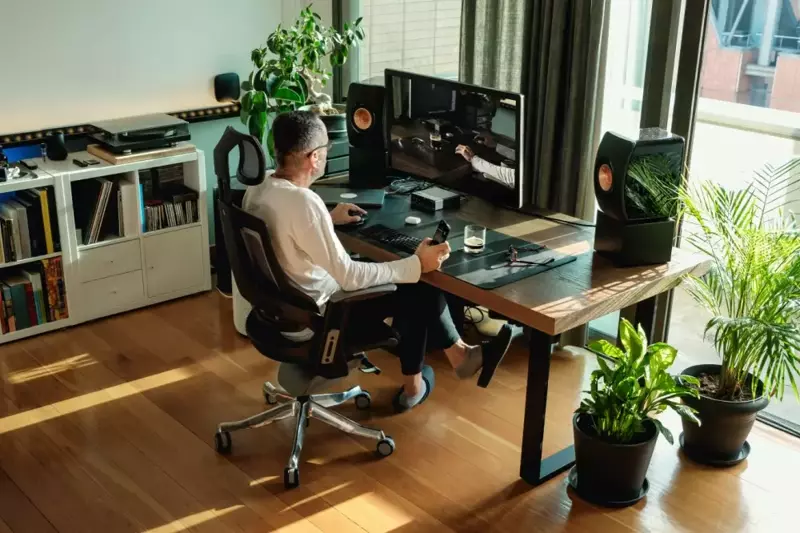
Bringing nature indoors has been shown to reduce stress, increase creativity, and improve air quality. Adding a few low-maintenance plants to your workspace can make a significant difference in how you feel. Snake plants, pothos, and succulents are excellent choices for home offices because they thrive in indirect light and require minimal care. The green color is also soothing to the eyes, providing a pleasant visual break from your computer screen. A touch of greenery is a simple yet effective addition to any work from home set up.
9. Optimize Your Internet Connection
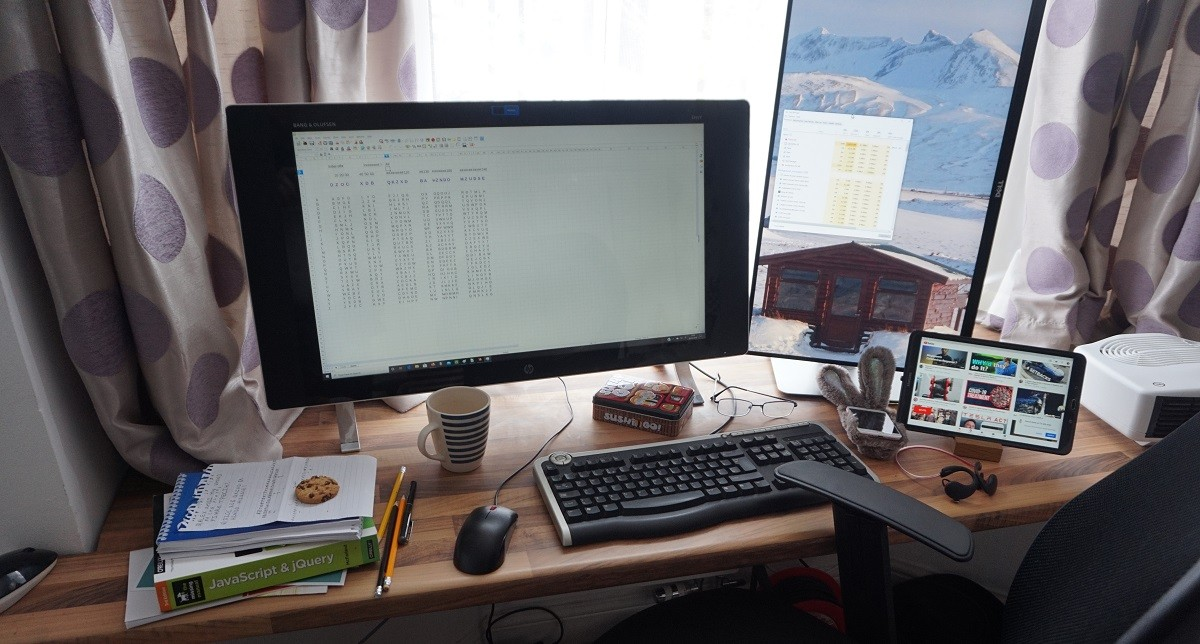
A reliable internet connection is the backbone of remote work. Slow speeds or frequent dropouts can derail your productivity and make virtual meetings a nightmare. Invest in a high-speed internet plan that meets your needs, and position your router in a central location to ensure strong Wi-Fi coverage throughout your workspace. Consider using a wired Ethernet connection for the most stable and fastest connection possible. Troubleshooting your internet should be a priority for any serious remote worker.
10. Use Noise-Canceling Headphones
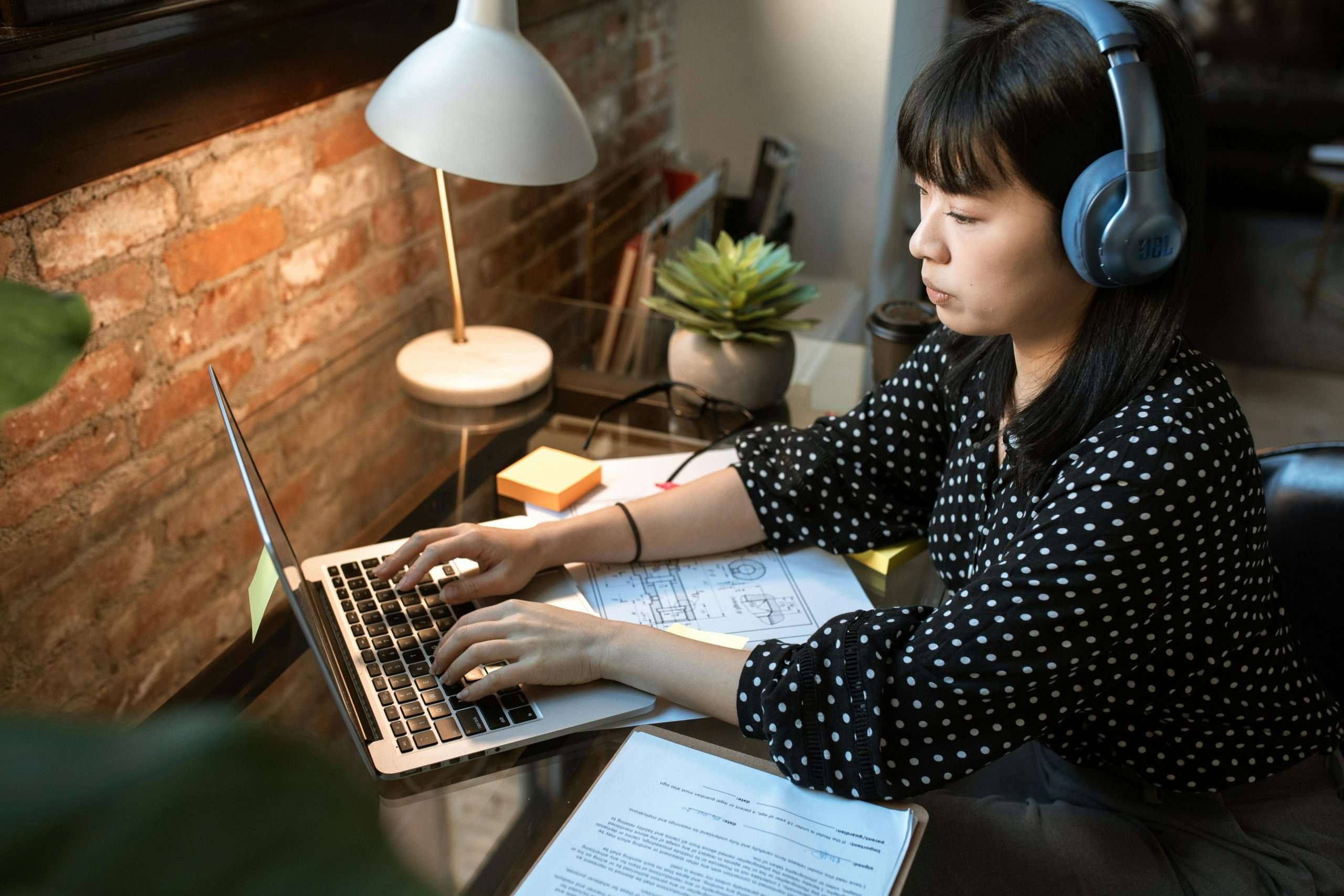
Whether you are dealing with a noisy household, street traffic, or just the hum of appliances, background noise can be incredibly distracting. Noise-canceling headphones are a worthy investment for any work from home set up. They allow you to focus deeply on your tasks and are essential for participating in virtual meetings without background interference. Many models also feature built-in microphones for clear communication, making them a versatile tool for remote professionals.
11. Personalize with Meaningful Decor
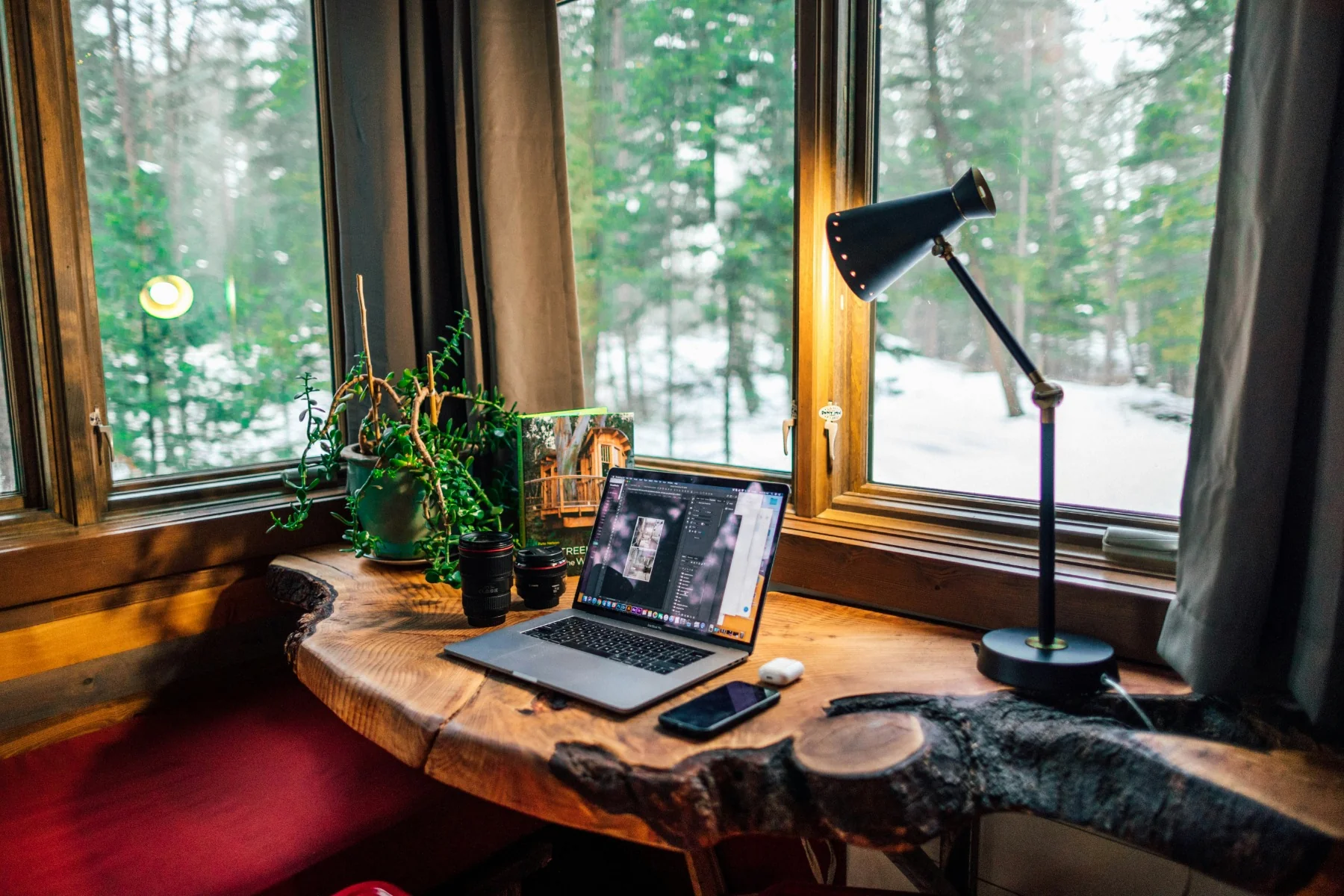
Your home office should reflect your personality and inspire you. Adding personal touches like family photos, artwork, or motivational quotes can make the space feel more inviting and enjoyable. Choose colors that make you feel calm and focused, such as blues, greens, or neutrals. A personal touch transforms a functional workspace into a place you actually want to spend time in. Do not underestimate the power of aesthetics in your work from home set up.
12. Keep a Notebook for Quick Notes
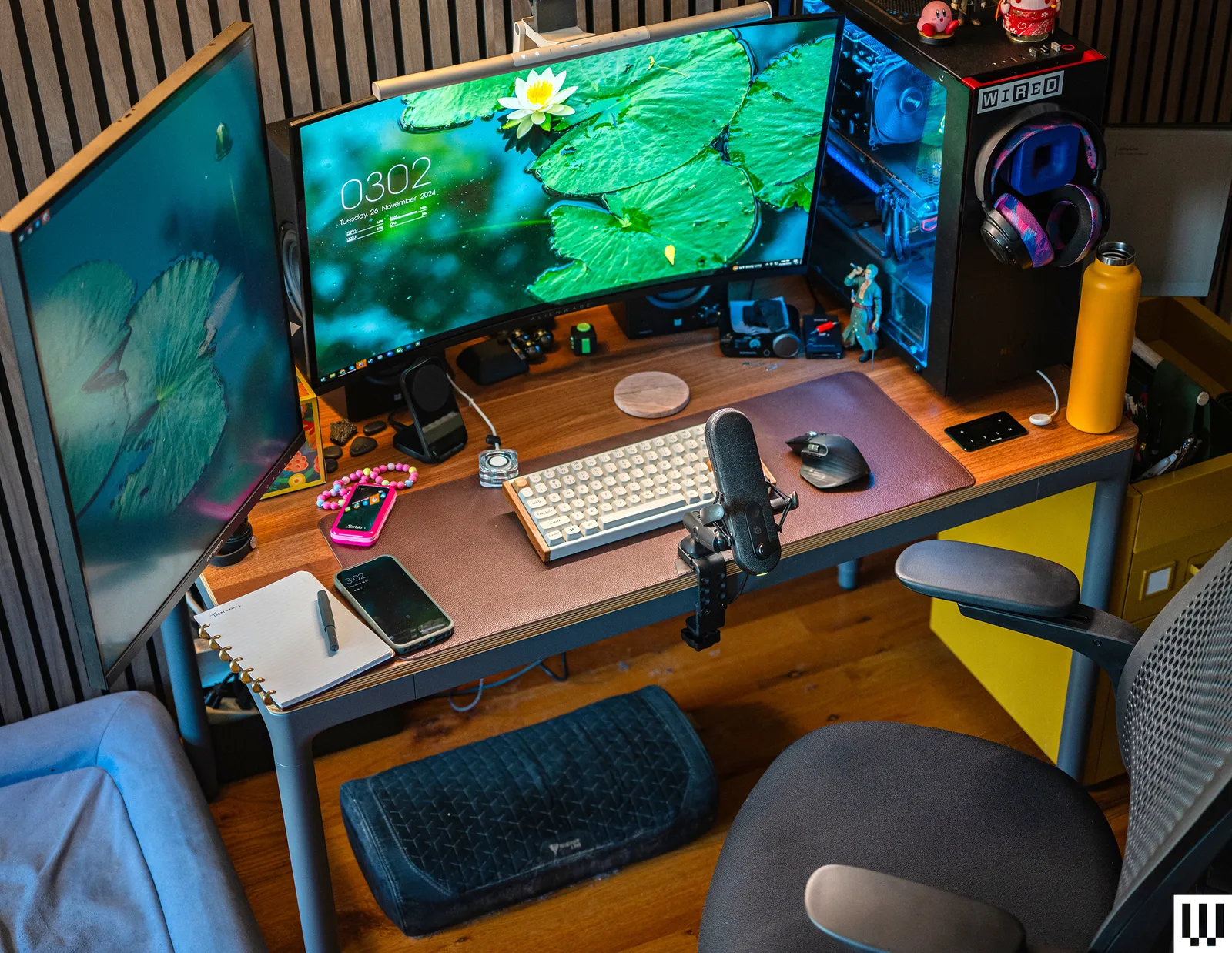
In the digital age, there is still immense value in pen and paper. Keep a notebook on your desk for quick notes, brainstorming sessions, and daily to-do lists. Writing things down can help you remember information better and provides a welcome break from screen time. It also prevents you from getting sidetracked by opening a new app or tab. A simple notebook is a low-tech but highly effective productivity tool for your home office.
13. Ensure Proper Ventilation

Stuffy, stale air can make you feel drowsy and unfocused. Proper ventilation is an often-overlooked aspect of a productive work from home set up. Open a window to let in fresh air, or use a fan to improve air circulation. If you have a heating or cooling system, ensure it is well-maintained. Clean air helps you stay alert and can even reduce the spread of germs, keeping you healthier throughout the year.
14. Set a Daily Routine and Schedule
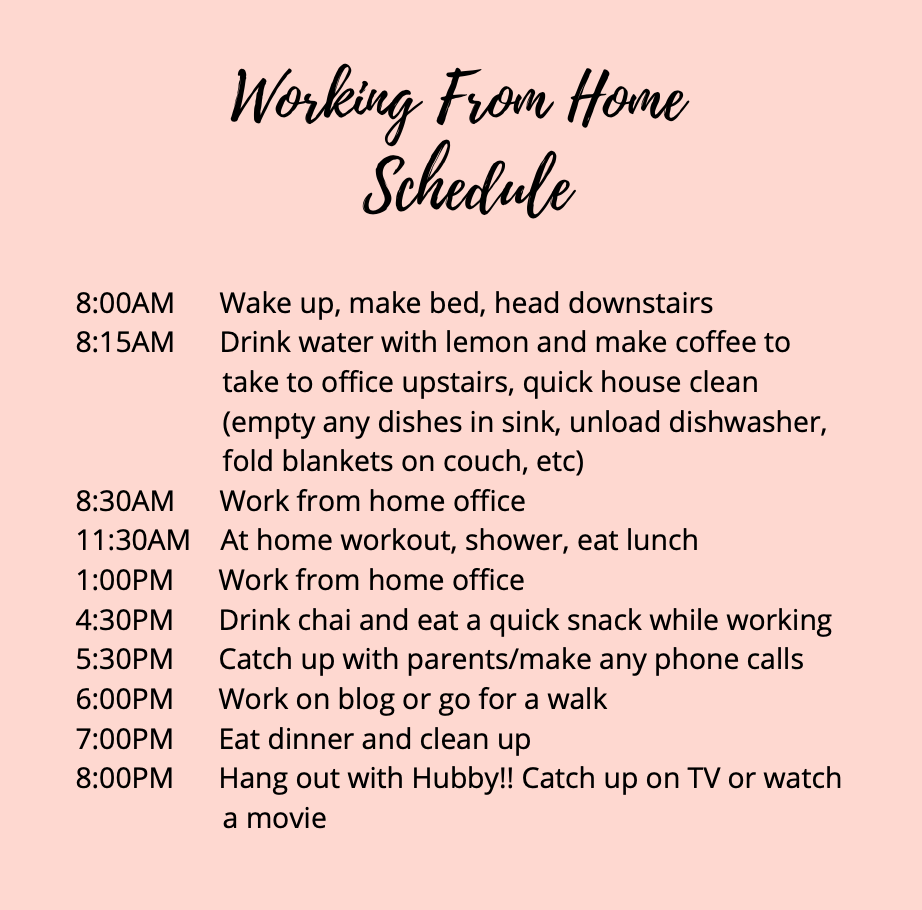
Your physical setup is only part of the equation; how you use your time is equally important. Establish a daily routine that includes set working hours, scheduled breaks, and a clear start and end to your day. Use a planner or digital calendar to structure your tasks and meetings. A routine helps you stay organized, reduces decision fatigue, and creates a healthy rhythm. This is the invisible yet essential component of a successful work from home set up.
Helpful Tips for Maintaining Your Home Office
Beyond the physical setup, consider these tips for long-term success. First, take regular breaks using the Pomodoro technique or a similar method to rest your eyes and stretch your body. Second, keep your workspace clean and clutter-free; a tidy desk promotes a tidy mind. Third, communicate your boundaries with family members to minimize interruptions during work hours. Fourth, evaluate your setup periodically to see if anything needs adjusting. Your needs may change over time, and your workspace should evolve with them.
Frequently Asked Questions
What is the most important element in a work from home set up?
An ergonomic chair is often considered the most important element because it directly affects your physical health. However, a reliable internet connection and a quiet space are also critical for functionality and focus.
How can I create a work from home set up on a budget?
You can create a budget-friendly setup by using what you already have. Elevate your laptop with books, use a kitchen chair with a cushion, and maximize natural light. Prioritize essential items like a mouse and keyboard before investing in bigger purchases.
Is a standing desk really necessary?
A standing desk is not strictly necessary but is highly beneficial. Alternating between sitting and standing reduces the health risks associated with prolonged sitting. If a standing desk is not feasible, set reminders to stand up and stretch regularly.
How do I reduce eye strain when working from home?
To reduce eye strain, follow the 20-20-20 rule: every 20 minutes, look at something 20 feet away for 20 seconds. Adjust your screen brightness and contrast, and use a blue light filter to minimize exposure to harmful blue light.
What is the best color for a home office?
The best colors for a home office are calm and neutral, such as light blue, soft gray, or sage green. These colors promote focus and reduce stress. You can add pops of brighter color through accessories for energy and personality.
How can I stay motivated working from home?
Stay motivated by setting clear daily goals, creating a dedicated workspace, taking regular breaks, and dressing as if you were going to the office. A consistent routine and a separation between work and personal life also help maintain motivation.
Conclusion
Designing the perfect work from home set up is a personal journey that requires trial and error. What works for one person may not work for another, so be patient and willing to adjust. The fourteen ideas in this guide provide a comprehensive roadmap for creating a space that supports your health, productivity, and well-being. Remember, your home office is not just a place to work; it is a reflection of your professional identity. Invest the time and resources to make it a space where you can truly thrive.